· Education · 10 min read
Free Push Notification Plugin for WordPress
Boost your WordPress site engagement with Alertwise, the best free push notification plugin offering unlimited campaigns and advanced features.

· Education · 10 min read
Boost your WordPress site engagement with Alertwise, the best free push notification plugin offering unlimited campaigns and advanced features.
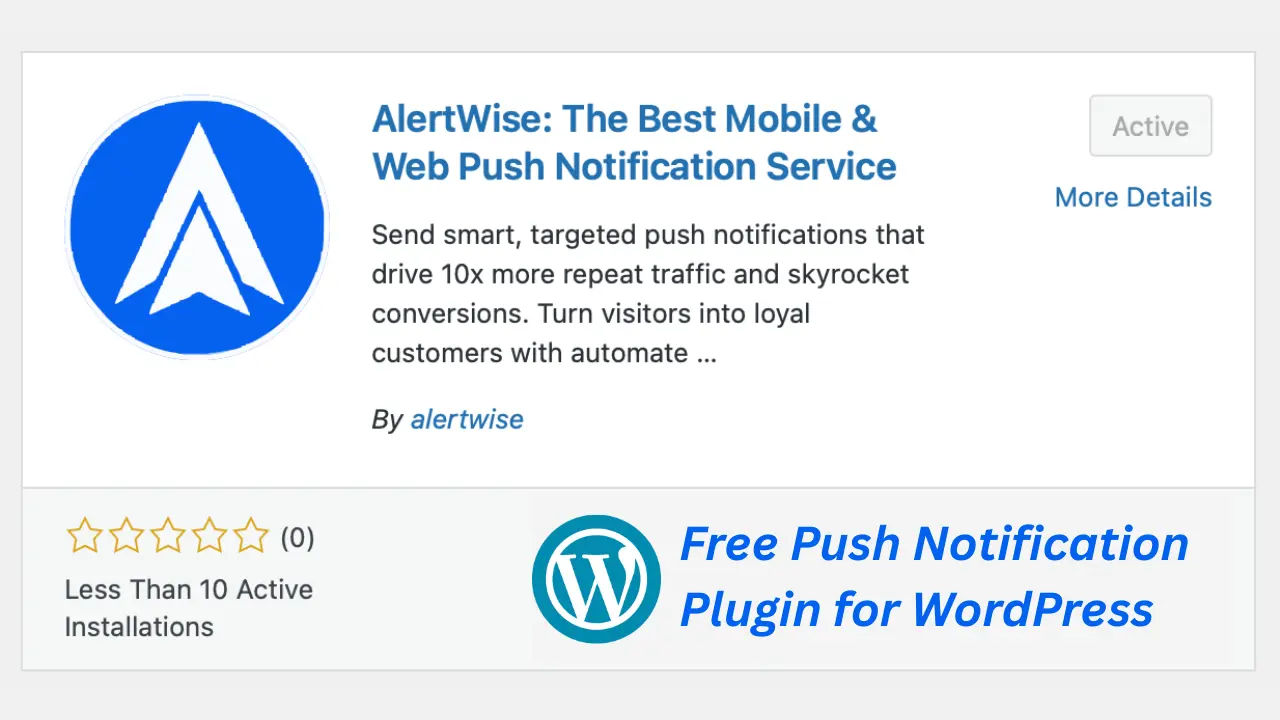
If you’re looking for a free push notification plugin for WordPress then Alertwise is the best choice. In today’s hyper-competitive web environment, grabbing visitors is considered the key to business success. Web push notifications have been shown to drive growth faster than email and social media. Web push notifications send alert data to users’ devices in real time. In this lightweight plugin, you get the benefit of powerful cloud-based tools including unlimited campaigns, advanced targeting, drip automation, and real-time analytics completely free.
Alertwise is a push notification solution that keeps your consumers interested and helps you grow your business. Businesses of all sizes can use the Alertwise push notification service. The Alertwise push notification service will help you expand your business and maintain connections with potential clients if you are a blogger, affiliate marketer, or vendor of digital products. You may increase your company’s revenue by utilizing the many intriguing features that the Alertwise push notification service has to offer.
Now to start your journey alertly with free web push notification WordPress plugin, install the given below plugin on your WordPress site.
| Plugin Name | AlertWise: Mobile & Web Push Notification Service |
|---|---|
| Version | 1.0.1 |
| WordPress version | 4.5.0 or higher |
| PHP Version | 5.6 or higher |
| Last Updated | 15 Jun 2025 |
| Developed By | alertwise |
| Download Free Push Notification Plugin for WordPress | Download |
By following the installation steps given below, you can easily install the WordPress plugin on your website and use all the features of Alertwise for free.
Go to your WordPress admin dashboard. (eg. your-domain/wp-admin)
Navigate to the Plugins section and click Add New.
Search for the plugin by name Alertwise in the search bar, or click Upload Plugin to upload a plugin ZIP file from your computer.
Click Install Now next to the plugin you want to add.
Once installed, click Activate to enable the plugin on your site.
After activation, look for the plugin’s menu (such as AlertWise) in your WordPress admin sidebar to configure settings or connect your account as needed.
Once Installation is completed, Let start configuration process.
Go to Settings → AlertWise and enter your generated App ID and save.
Customize prompts - choose styles, wording, and preview in real-time.
Enable “Auto‑push” in posts/pages to deliver notifications upon publishing.
Design campaigns (immediate, scheduled, drip), add visuals and CTAs, then target segmented audiences.
Track results in the analytics dashboard and adjust based on performance.
Check Manual Installation Details - How to setup alertwise push notification
In AlertWise, you will get the following powerful features free of cost
With infinite segmentation accessible across all AlertWise tiers, you can fully control your audience. The ability to establish exact audience groups based on behavior, preferences, or demographics gives you the ability to deliver highly targeted communications that resonate, whether you’re using the free or premium edition. You can easily optimize results, enhance engagement, and fine-tune your marketing efforts with limitless segmentation.
With Alertwise’s flexible and unlimited campaign features, you can end immediate notifications, schedule in advance, or build drip sequences like welcome flows and cart abandonment alerts, etc. There is no limit on kissing in the campaign.
You can reach more customers by enhancing notifications through rich content. Which includes images, emojis, CTA buttons, and customized prompts per language with live preview.
In Alertwise, you have many Ready-to-Use Templates which are fully customizable which you can edit as per your business. Through Multi-Language Support, you can send notifications in any language of the world. While editing every template, a live preview of the template is shown through the Teamplate Preview option.
With the help of advanced analytics tool you can monitor sent, viewed, clicks, CTR, subscriber trends, unsubscribes, and export CSV reports. With the help of many advanced tools of our Advance analytics tool, you can analyze your business closely.
Below are some of the main benefits that make combining Alertwise and WordPress website a better boon. Alertwise especially provides some benefits for WordPress site.
Actually, it is quite easy to integrate Alertwise in any type of website, but especially for WordPress, Alertwise provides Free Push Notification Plugin for WordPress, with the help of which you can integrate Alertwise in your WordPress site in a single click.
With the help of instant push notification, smart campaign, smart A/B testing and segmentation, you can boost engagement with Alertwise Free Push Notification Plugin for WordPress.
The opening rate of push notification is much better as compared to social media or email marketing. In email or social media marketing, messages are ignored because it is a disturbing and time consuming process. In web push notification, click on the notification is very easy as it is a simple process and the user just has to make a single click.
Alertwise’s Web Push Notification Plugin is completely free of cost, in which premium features are available for free. Alertwise being free does not compromise on quality at all. AlertIt works on the latest technology due to which the notification sending speed is much higher.
You can manage everything in the alertwise plugin from the plugin itself, there is no need to login to a separate dashboard for advanced features management. It will be easy for you to understand as the UI of the dashboard and the plugin is completely the same.
| Feature | AlertWise (Free) | NotificationX | WonderPush (Paid) |
|---|---|---|---|
| Unlimited Sites & Campaigns | Yes | Often ✓ but limited automation | ✓ Paid plans |
| Advanced Segmentation | Device, Location, Behaviour | Limited to notification bars | Yes, via paid plans |
| Drip & Automation | Included in free plan | Basic or part of premium tiers | Paid only |
| Real‑Time Analytics & A/B Test | Included | Analytics present | Analytics included |
AlertWise outshines many by offering advanced capabilities - automation, segmentation, analytics completely free. Competitors often reserve these only for paid tiers.
Yes. Its free plan includes unlimited sites/apps, unlimited campaigns, advanced segmentation, drip automation, analytics, and a WordPress plugin. The only limitation is the presence of “Powered by AlertWise” branding on notifications.
1. Go to your WordPress dashboard → Plugins → Add New.
2. Search for “AlertWise,” click Install, then Activate.
3. Navigate to the AlertWise plugin dashboard.
4. Add your App ID in the API configuration tab and click Verify & Save.
Once enabled in the plugin settings under “Notification Settings”, an AlertWise panel appears in the post/page editor sidebar. You can select options like “Send automatically when published or updated” and choose an audience group or send to all subscribers.
No personal data like email or phone numbers are collected. Everything is cookie-less, encrypted, and compliant with GDPR and other privacy regulations.
Yes. By embedding AlertWise’s JavaScript SDK into your site’s <head>, you can integrate with any website or CMS. The plugin is just a convenience layer for WordPress.
One of the most feature-rich push systems in the WordPress ecosystem today is provided by AlertWise, and it’s totally free. It offers unparalleled value because to its endless campaigns, multi-level segmentation, drip and scheduled messaging, analytics, and compatibility with all major browsers. Perfect for e-commerce sites, bloggers, small enterprises, and SaaS providers, particularly those in budget-conscious areas like South Asia.
Learn how to effectively integrate push notifications into your marketing strategy to boost engagement, drive traffic, and increase conversions.
A comprehensive guide to push notification character limits across different operating systems and browsers, helping you craft effective messages.
Explore the technology stack behind push notification services, including service workers, browser push services, and application servers.

Discover how push notifications can help bloggers boost traffic, increase engagement, and build a loyal readership without relying on social media algorithms.